
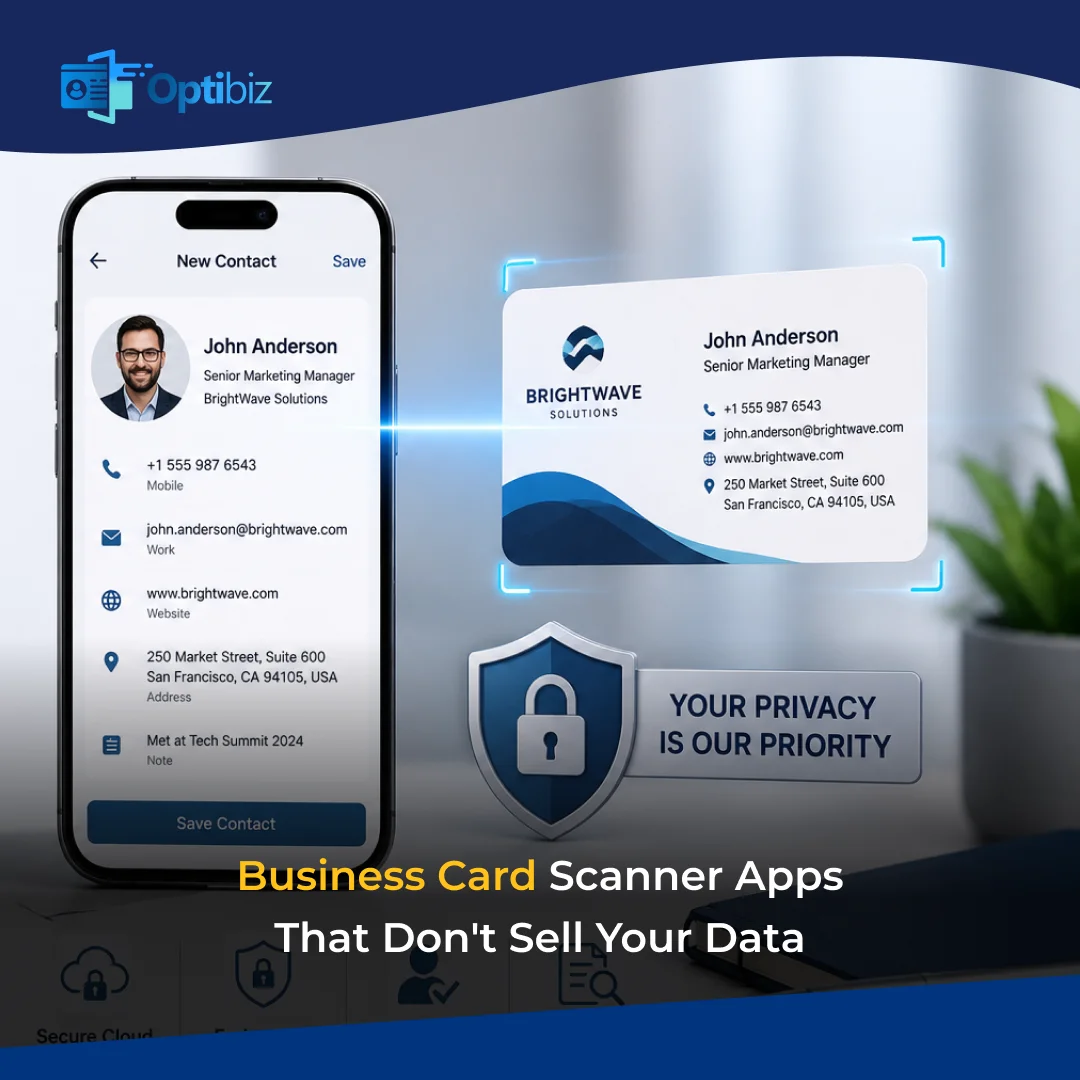
You just got back from attending an event. Your pocket is now full of 40 business cards. What you do is pull out your phone and start scanning those cards one by one. But a smart move is to scan them at the right moment in order to save your time. You move to a business card scanner app instantly, but have you thought about the privacy of the data you collect? The real question is, where does all that data actually go?
You’re handing over someone’s personal contact information when you save them to the app. Is there a third party who is able to access your information? What if your data is sold to others? Such things can lead to privacy problems for other people’s details, too. But you can feel worry-free when using Optibiz. This app keeps your data protected from any third party.
Business Card Scanner Apps That Respect Your Privacy
Here you will get to know which business card scanner apps respect your data. This is to help you know how different apps keep data safe before you install anything.
1. Optibiz
The app is India’s answer to the business card scanner problem. Optibiz takes privacy seriously from day one. The app is an AI-powered scanner with OCR technology. It lets you snap a photo of any business card to extract the details.
But what makes Optibiz better in terms of privacy? The app uses end-to-end encryption for all scanned data. It allows you to add people who can get access to the data. The app has a strong security system to protect information from unwanted access. Optibiz is easily available on both the App Store and Google Play Store.
Best for: Teams whose priority is data privacy. The app is also worth it for professionals who want to keep the information integrated with their CRM systems.
Privacy highlights: End-to-end encryption on all scanned data. Data privacy is made a core product feature rather than a footnote.
2. Popl
Popl started as a digital business card scanner app. It has expanded into a full lead capture tool with AI-powered scanning over time. The app carries a SOC 2 Type II certification. This means it independently handles the data for privacy. The same standard banks follow, too.
Your scanned contacts are synced to your own CRM. It means the data flows into your system rather than into Popl’s ecosystem. The app also works offline to store the contacts locally until you sync them.
Best for: The app is best for professionals who attend events regularly. And if they need CRM integration without worrying about data leaks.
Privacy highlights: This app is SOC 2 Type II certified. Helps in data syncs to your own CRM rather than being stored on their servers.
3. BizConnect
It is a popular business card scanner app among people looking for privacy. BizConnect has over 500,000 users from different areas of the world. It offers OCR scanning in more than 30 languages. The app lets you export contacts to Google Contacts and other systems.
BizConnect is a tool where you own your contacts. The app includes cloud backup, but the data architecture is created around the individual user. It does not interfere with your information. Only you have the reach to your data. You can also delete your data at any time.
Best for: Small to mid-size sales teams who need multilingual scanning with easy export options. Individuals can also benefit from this app.
Privacy highlights: Data owned only by the user. Easy export and deletion option available.
4. Haystack
Haystack is an app that does more than just save contact details. It adds extra details by looking them up online. A key point is that this information is only used inside your account to improve your contacts. It does not sell a shared database.
The app also lets you create digital business cards. You can share your details without using paper cards. This helps in the need for fewer physical cards. The app lowers the chances of your information being repeatedly scanned by unknown apps.
Best for: Freelancers who want a modern way of contact management.
Privacy highlights: Contact enrichment stays within your account. It also reduces third-party scanning of your own info.
5. Covve Scan
The app is made while keeping data safety in mind. It follows GDPR compliance standards. Covve uses AI-powered OCR to scan business cards. The best thing is that the app can work in over 60 languages. This makes it useful for those who attend international events.
What makes Covve Scan stand out in terms of privacy is its data handling. Your scanned contacts are never sold to third parties. The app offers cloud backup so your data stays safe.
Best for: People who attend international events.
Privacy highlights: No misuse of information as it follows data safety rules.
How to Spot a Business Card Scanner App that is Selling your Data
There are a few things to check out before using a business card scanner app. You need to make sure that the app is not messing with your data.
- Be careful if an app is free with no clear way of making money. It may earn revenue by selling your data to an outside party.
- The privacy policy is unclear. Even some blurry terms may allow broad sharing of your data.
- It’s not a good sign for you if the app is asking for unnecessary permissions.
- It forces you to upload everything to the cloud with no option to save data locally. It means that your information is fully controlled by the company.
- The app is owned by a company that mainly collects and sells data. It’s better to drop the idea of using such apps.
Your Contacts Deserve Better Protection: Start With Optibiz
Every business card you scan carries someone’s trust. The least you can do is make sure that information stays between you and them. Optibiz is built with exactly this in mind. Complete safety with no data selling. The app makes sure the data is protected from outside parties. This AI-powered business card scanner app keeps your contacts safe. Start using Optibiz today! Download the app from google play store or apple store.
Frequently Asked Questions
Is Optibiz really free to use?
Optibiz is free to use for basic business card scanning. You can have access to advanced features by taking a subscription.
Does Optibiz sell my scanned contact data to third parties?
No. The app does not sell your scanned contact data to advertisers or third parties. Your data stays private.
Can I use Optibiz to create my own digital business card?
Absolutely. Optibiz lets you create digital business cards with NFC. You can share your contact details without ever printing a physical card.
Can other people see the business cards I’ve scanned in Optibiz?
No. Your scanned contacts are visible only to you. Optibiz doesn’t create a shared database.


